
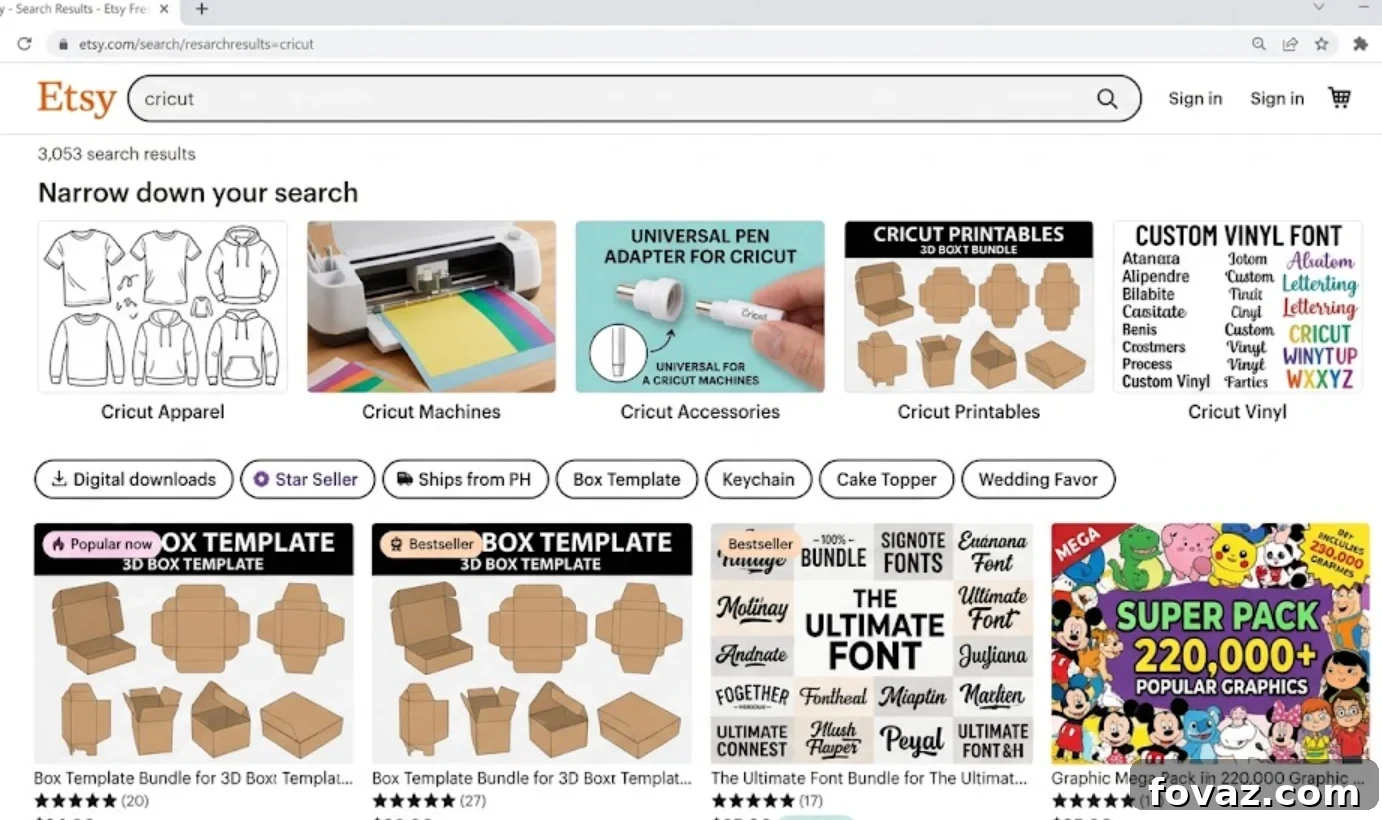
Quick Answer: Cricut Etsy Shop
- A Cricut Etsy shop often fails to get sales when listings aren’t optimized for Etsy’s internal search engine.
- Etsy ranks listings based on keyword relevance in titles, tags, and categories, not product quality alone.
- Cricut Etsy listings with clear, buyer-focused titles perform better than those with vague or purely creative names.
- Etsy listing optimization means using all 13 tags with multi-word, searchable phrases rather than single words.
- Product photos are the primary filter—buyers click the photo before they read any text.
- Your Etsy Cricut ideas may be solid; the issue is usually discoverability, not demand.
- Beginners can audit and improve existing listings in an afternoon without rebuilding the entire shop.
You opened a Cricut Etsy shop, uploaded a few listings, and waited. A week passed, then two. Maybe you received a handful of views, but no sales. You may have wondered whether the market is too crowded, whether your products aren’t good enough, or whether Etsy doesn’t work the way others describe it.
Before you close the shop, consider this: it might be a visibility problem, not a product problem.
This article explains how Etsy’s search system works, what makes a listing discoverable, and where many new sellers leave easy improvements undone. The optimization steps below don’t require a full redesign—several take only ten minutes per listing.
Why Visibility Matters
Many sellers assume Etsy operates like a physical storefront: you stock the shelves and customers walk in. In reality, Etsy functions like a search engine. When buyers type a phrase into the search bar, Etsy evaluates its listings and decides which to show and in what order.
If your listings don’t use the language buyers use, they won’t show up. Your product can be excellent, but the algorithm won’t surface it unless the listing signals a match.
Visibility is the bridge between a buyer ready to purchase and a seller who has the right product. Improving it is largely within your control.
How Etsy Functions as a Search Engine
Etsy is a search engine with shops attached. Each search triggers an algorithm that evaluates relevance, recency, and listing quality.
- Relevance: How closely your title, tags, and category match the buyer’s search phrase. If a buyer searches “custom tumbler wrap for mom” but your title reads “Beautiful Handmade Gift,” Etsy lacks the signal to show your item.
- Recency: New listings receive a temporary boost. This fades after a few days and is not a reliable long-term strategy.
- Listing quality: A rolling score based on click-through rate, conversion rate, and favorites. Strong photos increase clicks; clear descriptions and fair pricing improve conversions. Both feed the quality metric.
The main takeaway for any Cricut Etsy seller: the algorithm reads text. If the right words aren’t in your listing, buyers won’t find your product.
How to Write Etsy Titles That Actually Get Found
The title is the most important place to put the keywords buyers use.
Specific rules for Cricut Etsy listing titles:
- Use buyer language, not maker language. Buyers search phrases like “personalized water bottle gift for her,” not technical material names. Write for buyer searches, not your internal vocabulary.
- Lead with the most specific phrase first. Etsy weights terms near the start of the title more heavily. Put the highest-value searchable phrase at the front.
- Use the full 140 characters. Etsy allows up to 140 characters—use them to include multiple relevant phrases.
- Avoid decorative words. Adjectives like “beautiful” or “stunning” don’t help discoverability. Replace them with searchable phrases.
Example strong title: “Custom Wedding Decal Set, Personalized Vinyl Decal for Wedding, Bridal Party Gift Sticker, Mr and Mrs Car Decal” — this targets multiple buyer searches. Compare that to “Beautiful Handmade Wedding Decals,” which will appear for far fewer queries.
Selecting Effective Etsy Tags and Categories
Etsy provides 13 tags per listing. Many beginners use far fewer. Each unused tag is a missed opportunity.
Use all 13 tags.
Tags work best as multi-word phrases that reflect real buyer searches. “Decal” alone is weak; “custom car window decal” matches an actual search intent. Think in phrases, not single words.
Example tag strategy for a shop selling tumblers:
- custom tumbler gift
- personalized tumbler for mom
- tumbler wrap decal
- teacher appreciation gift
- Christmas tumbler custom
- bridesmaid gift tumbler
- water bottle decal
- Stanley tumbler wrap
- 40 oz tumbler decal
- vinyl tumbler gift for her
- custom drinkware gift
- Cricut tumbler decal
- personalized gift under 30
Categories also signal relevance. Choose the most specific sub-category available—specific categories help Etsy match your listing to the right buyers.
What Product Photos Actually Do
Photos are the fastest way to improve listing performance. The primary photo must compel the click; if it fails, nothing else matters because buyers rarely read titles before clicking.
Practical photo guidelines:
- Use a clean, light background for the primary photo. Thumbnails are small, especially on phones. Neutral backgrounds increase contrast and readability.
- Show the product at scale. Place the product next to a familiar object to convey size and remove buyer hesitation.
- Add lifestyle images in secondary photos. After a clear primary shot, show the item in real use so buyers can imagine it in their lives.
- Use natural light or a lightbox. Consistent, soft light with minimal shadows produces the clearest images. Professional gear isn’t necessary; a simple lightbox or window light works well.
For items with multiple variations, photograph the most popular variation as the primary image. Lead with what buyers typically choose.
What to Include in Your Listing Description
The description should answer buyers’ practical questions and remove barriers to purchase.
Include these details for any Cricut listing:
- Exact product details: Dimensions, material, and intended use (e.g., “3-inch permanent vinyl decal for smooth, flat surfaces. Water-resistant. Not dishwasher safe”).
- What the buyer receives: Specify quantity and whether items are pre-cut, include transfer tape, or require assembly.
- Turnaround time: State processing and shipping windows clearly to reduce buyer inquiries and abandoned carts.
- Customization instructions: Explain what buyers must provide and where to enter it (e.g., “Enter name and color preference in the note to seller at checkout”).
- Care instructions: Note limitations like “not dishwasher safe” to avoid returns and dissatisfaction.
- Secondary keyword placement: Naturally include additional searchable phrases without keyword stuffing.
Common Beginner Mistakes in Cricut Etsy Listings
Common issues for new Cricut sellers include:
1. Vague product names. “Custom Gift” doesn’t help. Specific names like “Personalized Tumbler Wrap for Teachers, Cricut Vinyl Decal” carry search value.
2. Keyword stuffing that sacrifices readability. Titles that read like a list of search terms can be penalized. Write coherent, descriptive titles.
3. Reusing title words as tags. Tags should expand reach by adding phrases not already in the title.
4. Only one photo. Multiple images from different angles and contexts build buyer confidence.
5. No customization instructions. Clear steps for personalization prevent confusion and reduce abandoned carts.
6. Pricing too low. Underpricing can signal poor quality. Price competitively and reflect the value offered.
7. Dormant shop signals. Shops with no recent activity or sales can be deprioritized. Regularly add or refresh listings to stay visible.
Practical Steps to Audit and Improve Current Listings
If your shop has underperforming listings, run this audit in an afternoon:
- Step 1: Search like a buyer. Use a private browser window and search the phrases you expect buyers to use. If your listings aren’t on the first three pages, visibility is the issue.
- Step 2: Rewrite titles. Use buyer language, lead with the most specific phrase, use the full character limit, and remove decorative adjectives.
- Step 3: Fill all 13 tags. Add multi-word tag phrases that reflect missing search terms discovered in Step 1.
- Step 4: Improve the primary photo. Check the thumbnail on a phone. If it’s unclear, replace it with a clean, high-contrast image.
- Step 5: Update the description. Add dimensions, materials, processing time, and clear customization instructions.
- Step 6: Verify category selection. Choose the most specific category and sub-category available.
- Step 7: Reassess in two to three weeks. Etsy re-indexes updates; check stats after a few weeks to measure impact.
Optimization is ongoing. Search trends change, so refresh listings periodically. Sellers who treat listings as living documents maintain better visibility over time.
Wrapping Up
A Cricut Etsy shop succeeds when buyers can find it. Good products, fair pricing, and fast turnaround matter only if the algorithm surfaces your listings to the right buyers.
Most listing problems are fixable. Better titles, complete tags, clear photos, and practical descriptions take time and attention, not special expertise. The seller who consistently outranks you likely put more thought into how Etsy’s search works and optimized their listings accordingly.
Before deciding the market isn’t there, check whether buyers have actually seen your listings. That visibility gap is often the easiest, most rewarding problem to fix.
Ready to take the next step? Start with a structured checklist to review your shop setup and the first few listings in the order that matters for discoverability.
FAQ
1. Why is my Cricut Etsy shop getting views but no sales? Views without sales usually point to issues with the product photos, pricing, or description. Buyers may click the thumbnail but abandon the listing if the primary photo doesn’t show the product clearly at full size, the price is out of range, or the description omits key details like dimensions or customization steps. Audit those areas first.
2. How many Etsy Cricut listings do I need to see consistent sales? There’s no magic number, but shops with 20–30 active listings typically have more visibility than those with only five to ten. More listings create more keyword combinations and more entry points for buyers. Start small but aim to grow your active listings over time.
3. Does renewing a listing help with optimization? Renewing gives a short visibility bump because Etsy treats it as new briefly. It’s not a long-term strategy—fix the title, photos, and tags first; renewal is only a minor, temporary boost.
4. Should I use Etsy Ads for my Cricut shop? Ads can increase visibility but will amplify whatever you already have. If your listings have weak titles and photos, ads will drive traffic that won’t convert. Optimize listings first, then consider ads to scale traffic to high-performing listings.
5. How do I find the best keywords for my Cricut ideas? Use Etsy’s autocomplete suggestions by typing product phrases into the search bar—these reflect real buyer searches. Study first-page listings for your target queries to learn which phrase combinations Etsy rewards. Use that as inspiration, not to copy exact titles.
6. Do all 13 tags need to be different from my title? Yes. Etsy indexes title keywords, so tags should add different searchable phrases. If your title contains “custom teacher tumbler,” use tags to cover other real searches like “end of year teacher gift” or “personalized teacher appreciation.” Each tag is an opportunity to appear for a search not covered by the title.
7. Is a Cricut Etsy shop worth starting today? The market is competitive but active. Competition indicates buyers are spending in the category. Sellers who struggle usually have invisible listings, not inherently poor products. A well-structured shop with specific titles, full tags, and clear photos can reach buyers even in crowded categories.